How to promote your store
In this article:
Watch: How to promote your store 🎥
Increase sales with affiliate marketing
Watch: How to promote your store 🎥
📌 How can you promote your Sellfy store?
Sellfy offers built-in tools like email marketing and an affiliate program to help you promote your products and plan marketing activities.
Grow your email list
Collect email addresses by offering freebies
Offering something for free (e.g., a free digital download, a sample of your work, etc.) or applying pay-what-you-want pricing is a quick way to collect emails from your audience.
Here’s how to create freebies in your store:
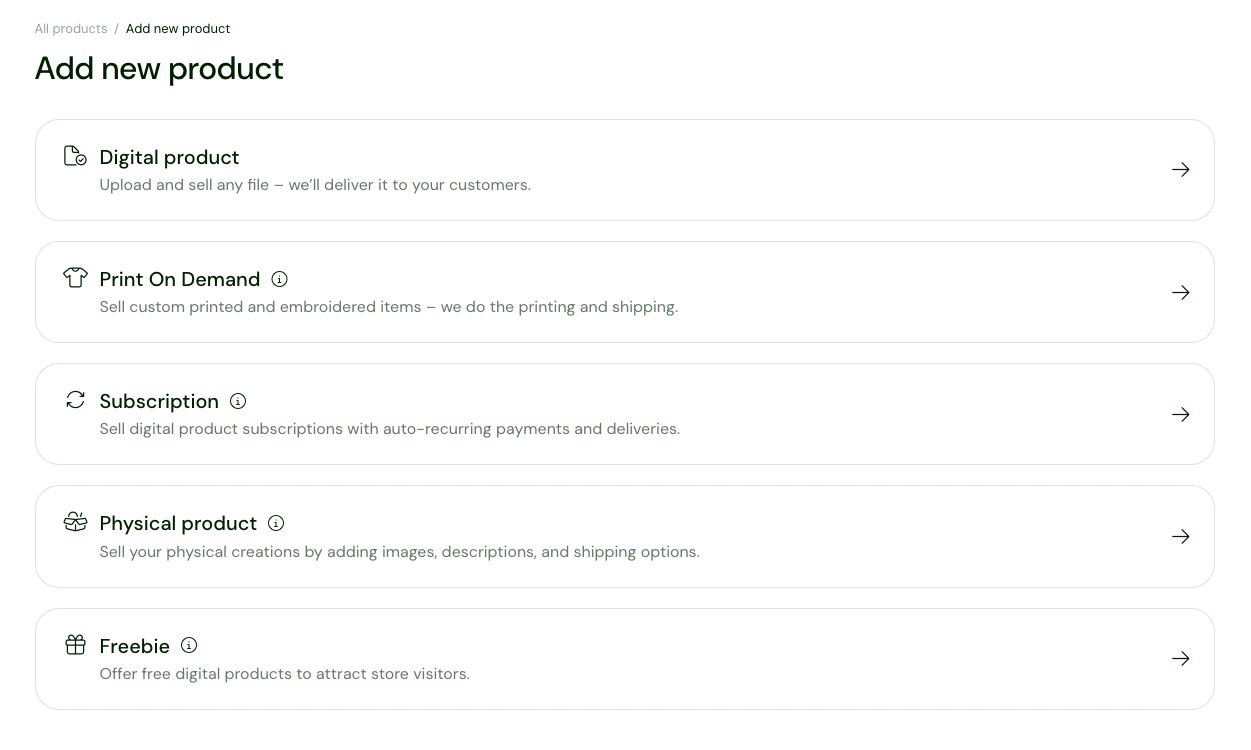
1. In the sidebar, click Product > Freebie.
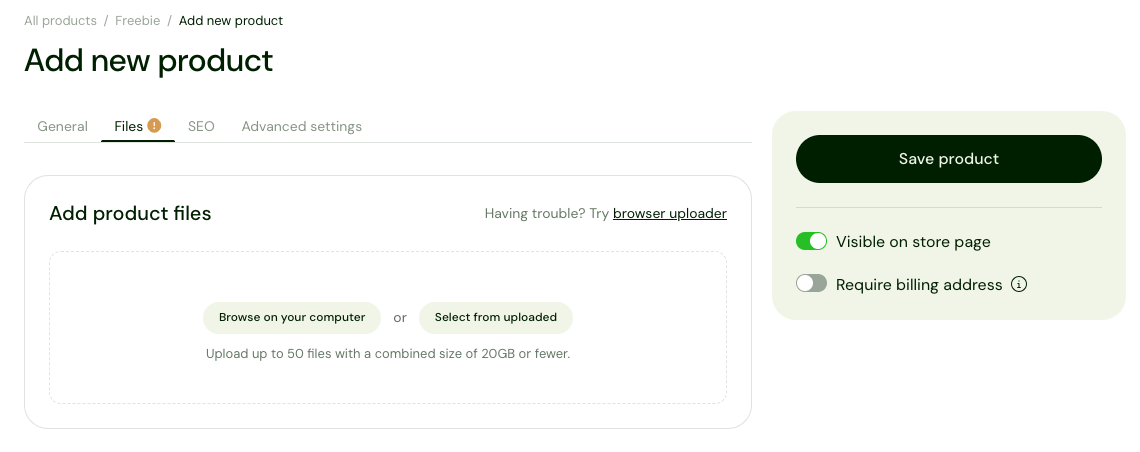
2. Drag and drop your product files, or click Browse on your computer to upload them from your computer.
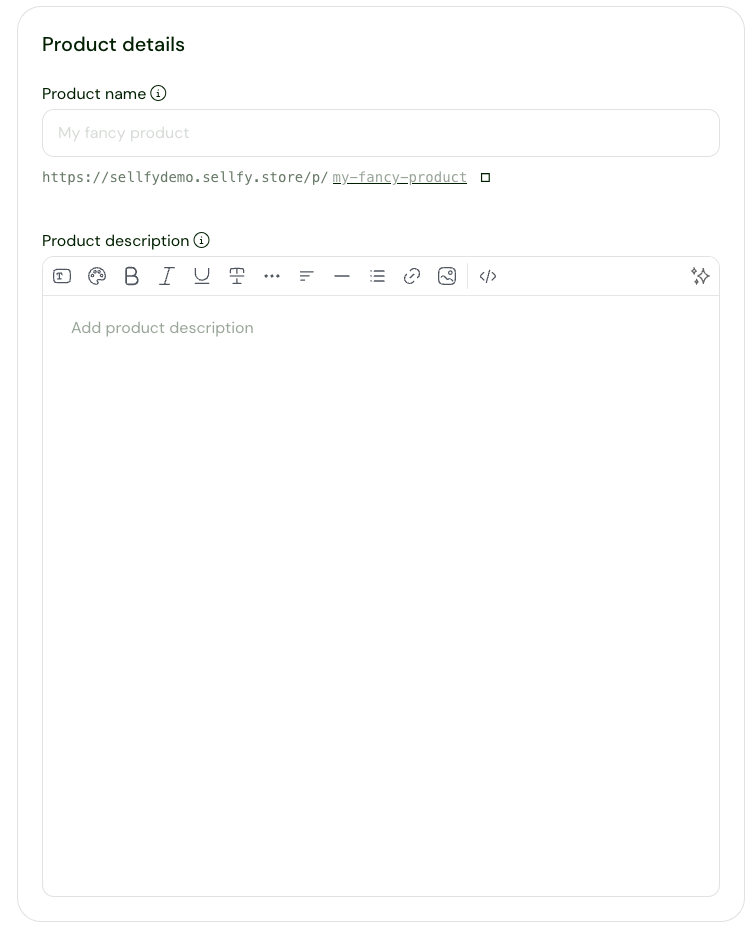
3. Add product details:
- Product name
-
Product description
-
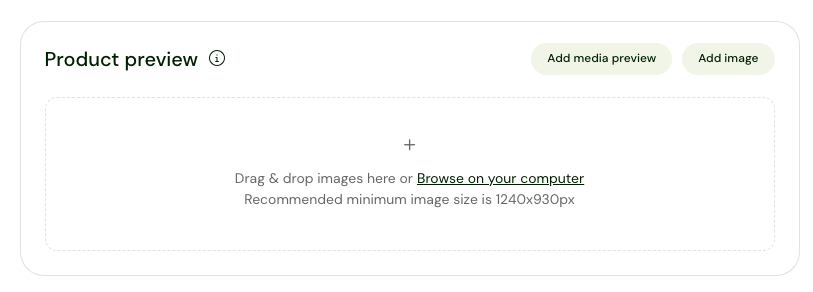
Product preview images
4. Click Save product.
Congratulations! You just added your very first freebie. Now you can start sharing the product link with your audience.
💡Pro tip: You can also collect email addresses by adding an email subscription form to one or all of your store pages and enabling the Newsletter subscription checkbox at checkout.
Send targeted email campaigns
Once you have your email list, you can use Sellfy’s built-in Email marketing tool to send out targeted email campaigns.
Here’s how to use Sellfy’s email marketing:
1. In the sidebar, click Email marketing> Create campaign.
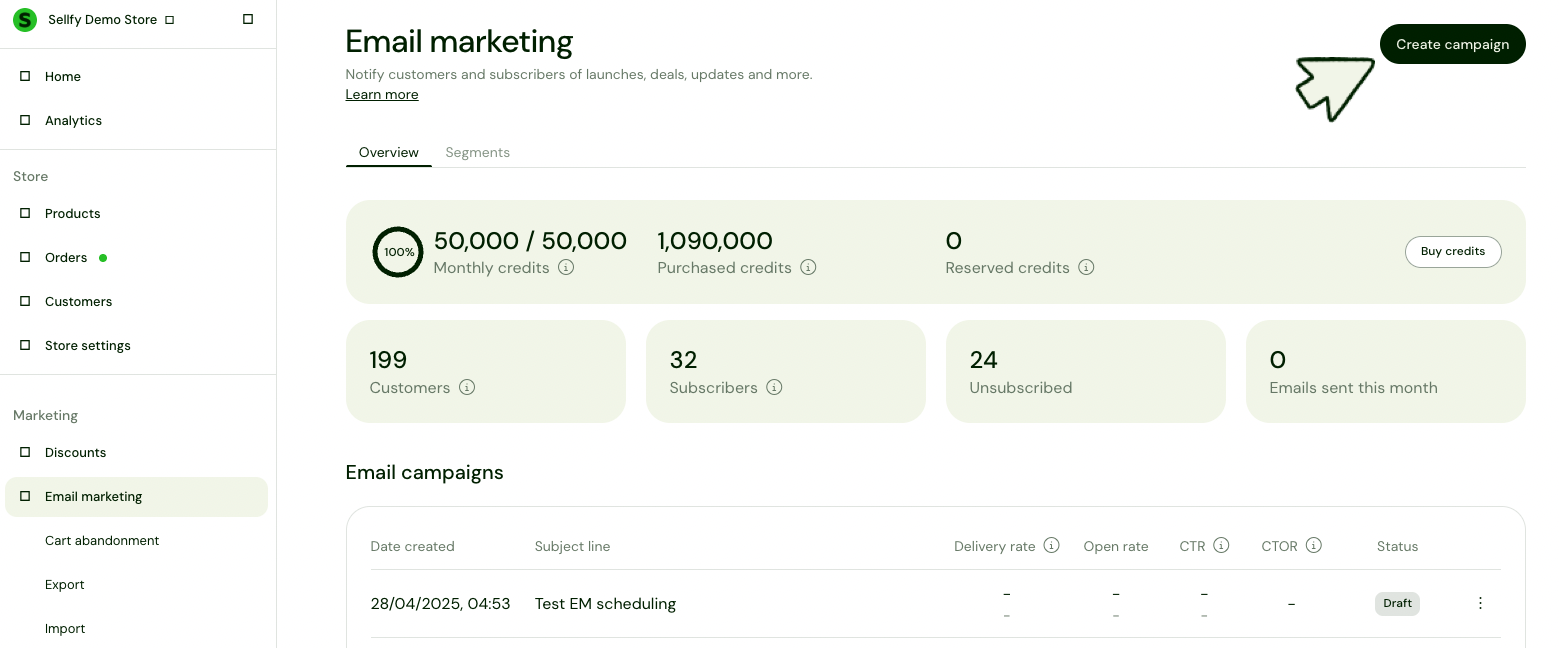
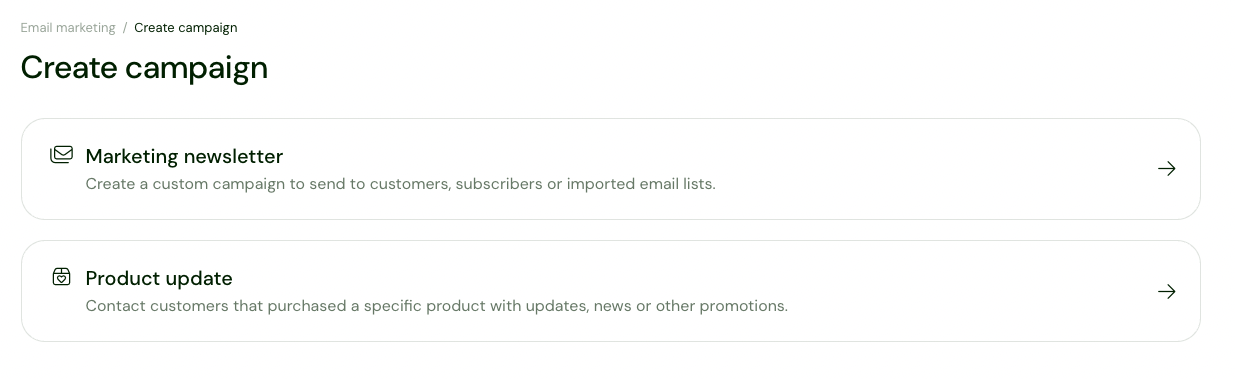
2. Choose between two customizable templates:
- Marketing Newsletter for product launch, sale, discounts, etc.
- Product Update to notify customers when you've added an updated version of your product.
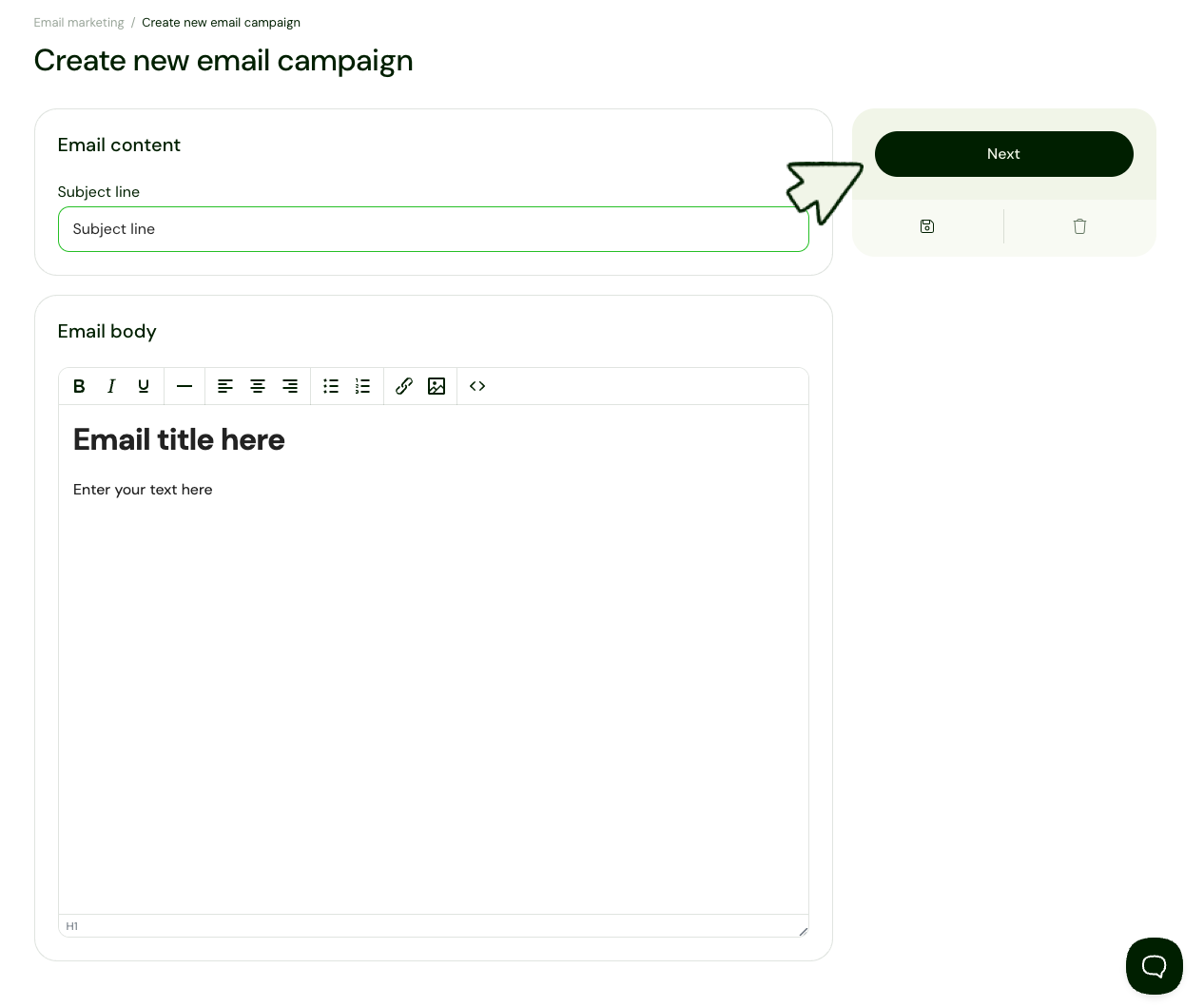
3. Add the subject line, email content, and click Next.
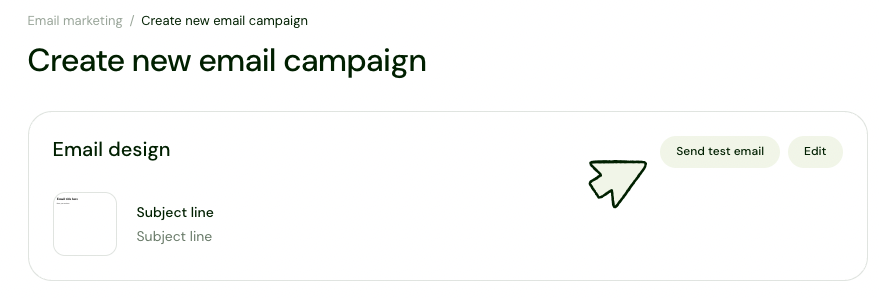
4. Send out a test email to see how it looks and edit the content if necessary.
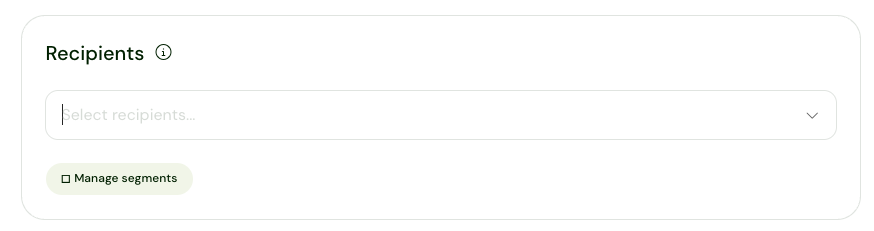
5. Choose the recipients for this email campaign (e.g., buyers, newsletter subscribers, and/or imported contacts).
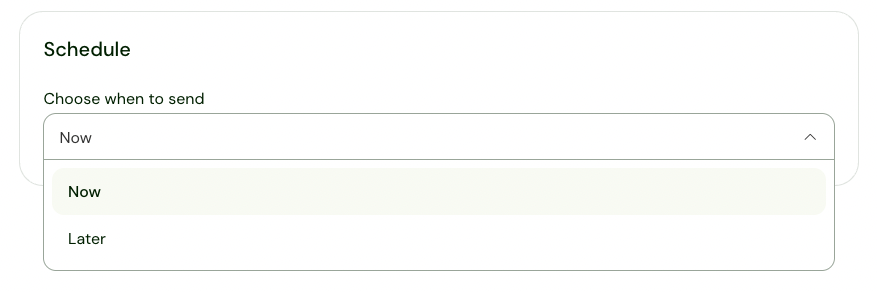
6. Choose whether to send out the campaign now or schedule it for later.
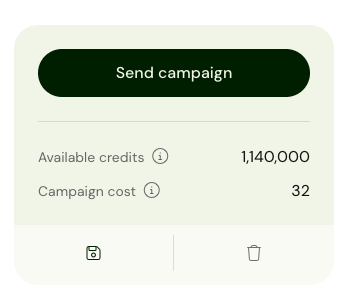
7. Click Send campaign.
Increase sales with affiliate marketing
Sellfy’s built-in Affiliate program makes it easy to grow your reach and reward loyal fans or creators who want to promote your store.
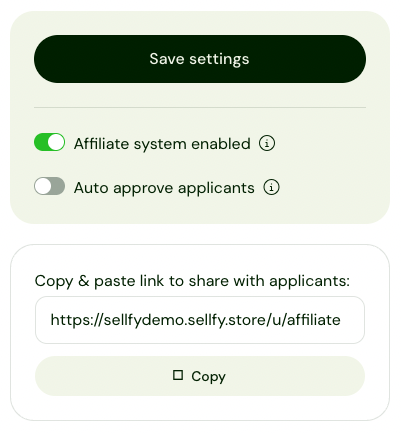
Here’s how to enable the affiliate program:
1. In the sidebar, click Affiliate program > Settings.
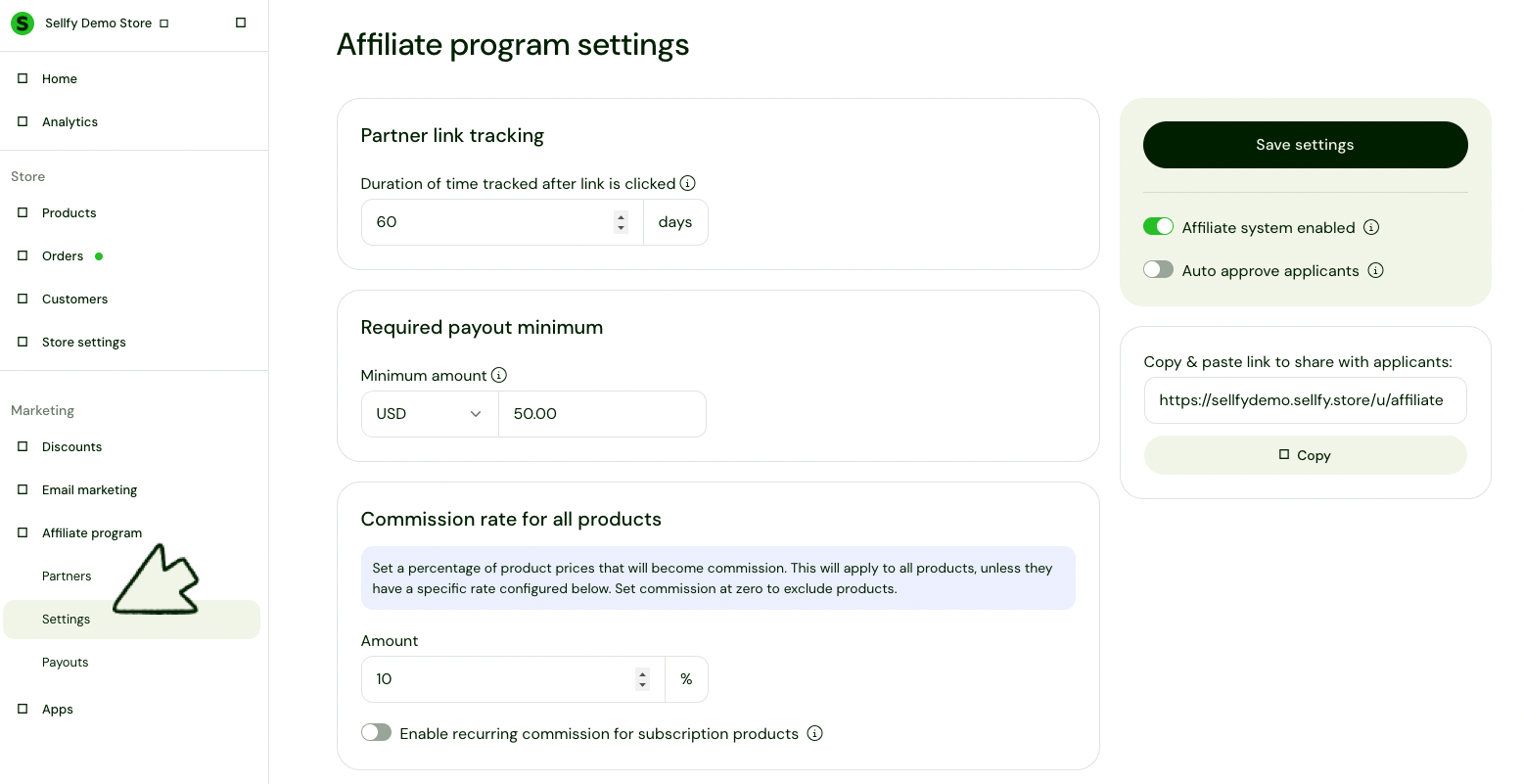
2. Switch the Affiliate system enabled toggle.
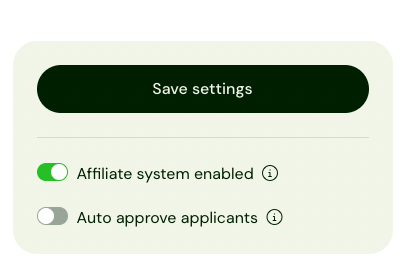
3. Configure a few key settings:
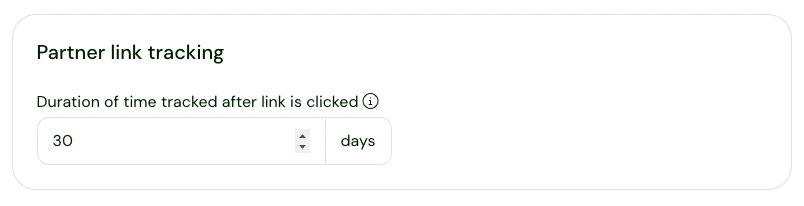
- Partner link tracking. Decide how long a partner gets credit after a link is clicked (e.g., 30 days is common).
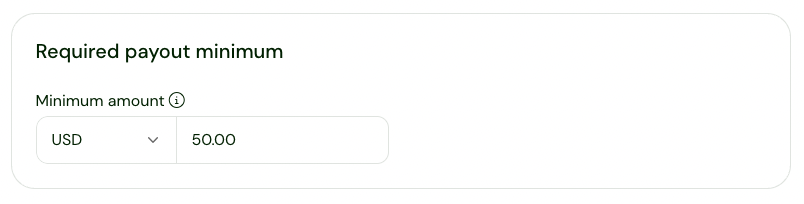
- Required payout minimum. Set the minimum amount affiliates need to earn before they get paid.
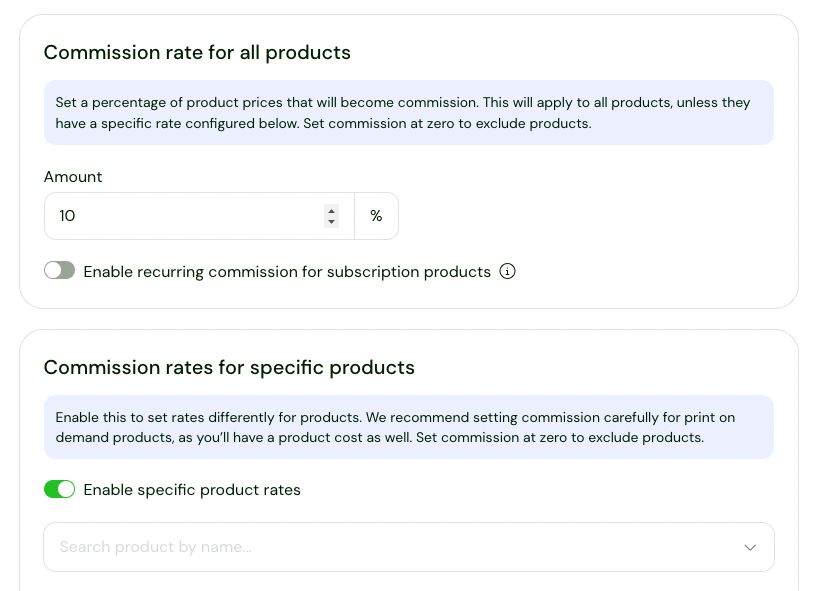
- Commission rate. Choose a percentage of the product price that you’ll pay as commission.
4. Click Save settings and share the link with potential applicants.
You made it!
That’s it, you’ve got everything you need to grow your store with Sellfy!